Undoing a replacement
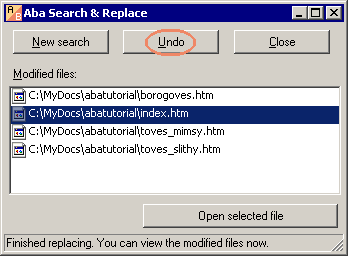
If you have just finished a replacement and you don't like the results, you can press the Undo button.
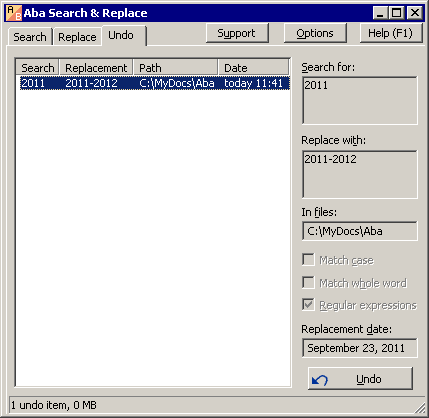
If you have started another search or closed the program, please use the Undo tab to select an old replacement and undo it. Aba will restore the files from backup.
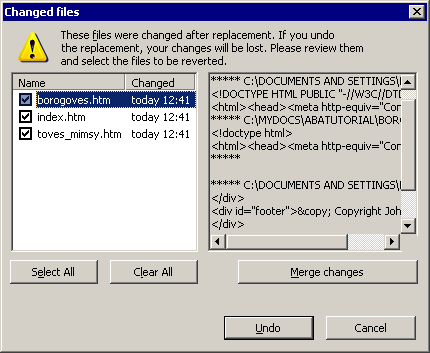
It may happen that the files were changed after the replacement. If you overwrite them with the files from backup, your changes will be lost. In this case, Aba will show you the list of changed files. You can compare them with the old version and merge the changes. The checked files in this list will be overwritten with their backups.
This is a page from Aba Search and Replace help file.
- Welcome to Aba
- Getting started
- How-to guides
- Selecting the files to search in
- Inserting some text at the beginning of each file
- Replacing multiple lines of text
- Searching in Unicode files
- Replacing in binary files
- Performing operations with the found files
- Undoing a replacement
- Saving search parameters for further use
- Removing private data
- Adding or removing Aba from Explorer context menu
- Integrating Aba with Total Commander
- Integrating Aba with Free Commander
- Integrating Aba with Directory Opus
- Regular Expressions
- Replacement syntax
- User interface
- Command line
- Troubleshooting
- Glossary
- Version history
- Credits